
Original Photos


Color Corrected
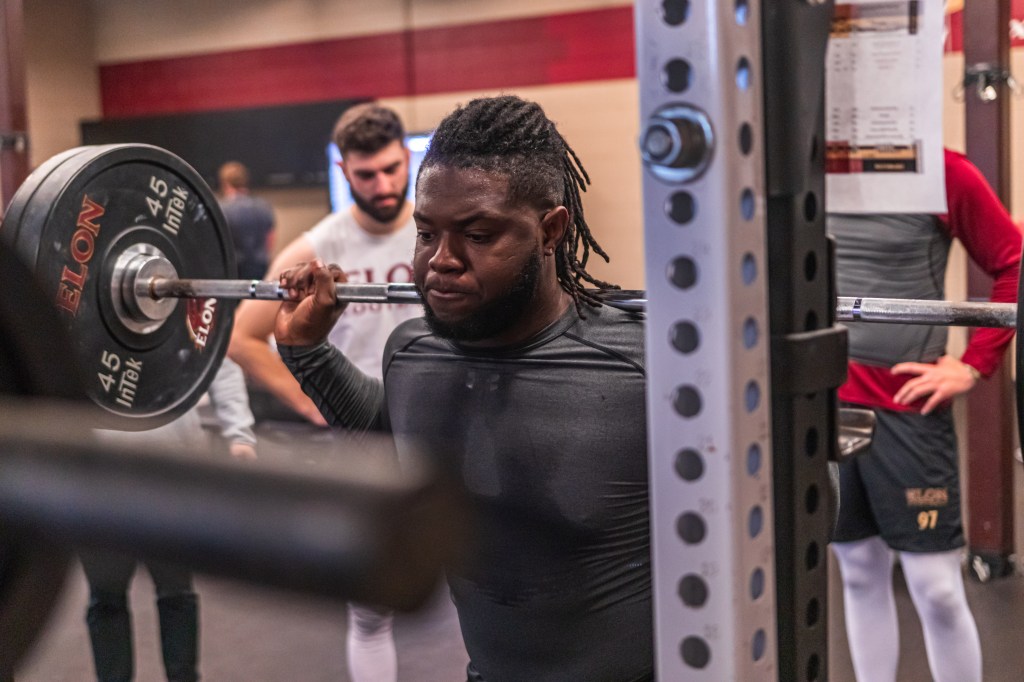
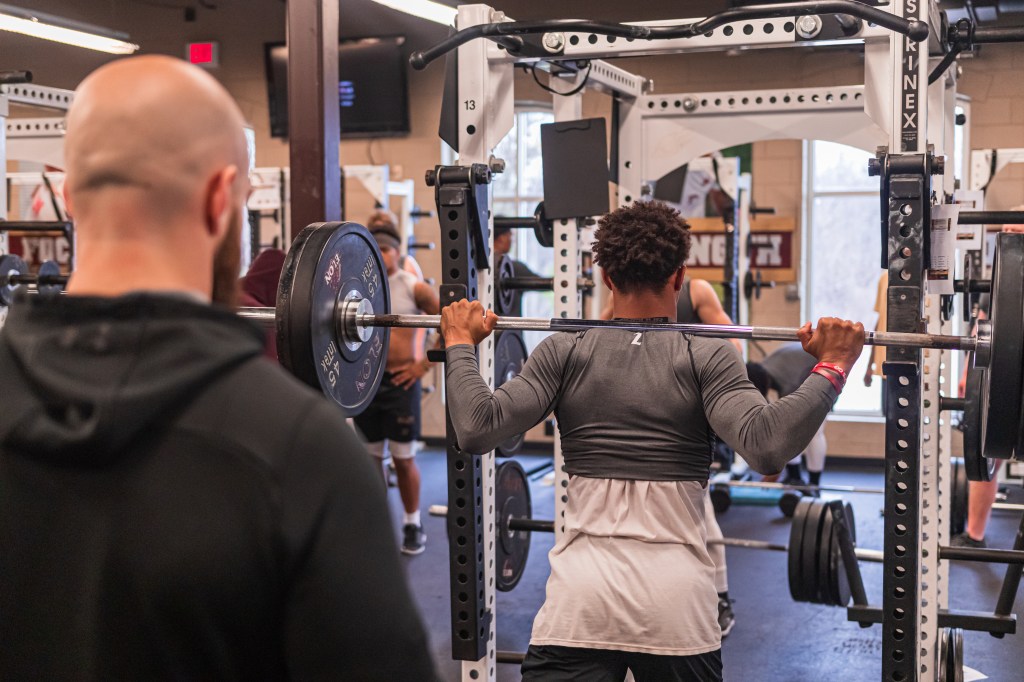
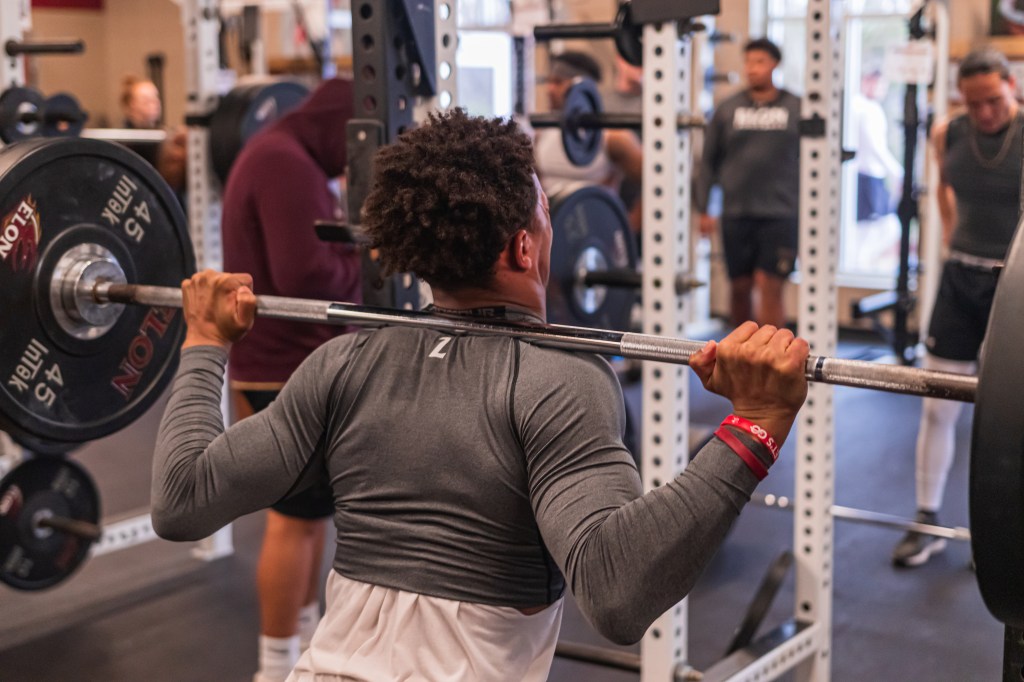

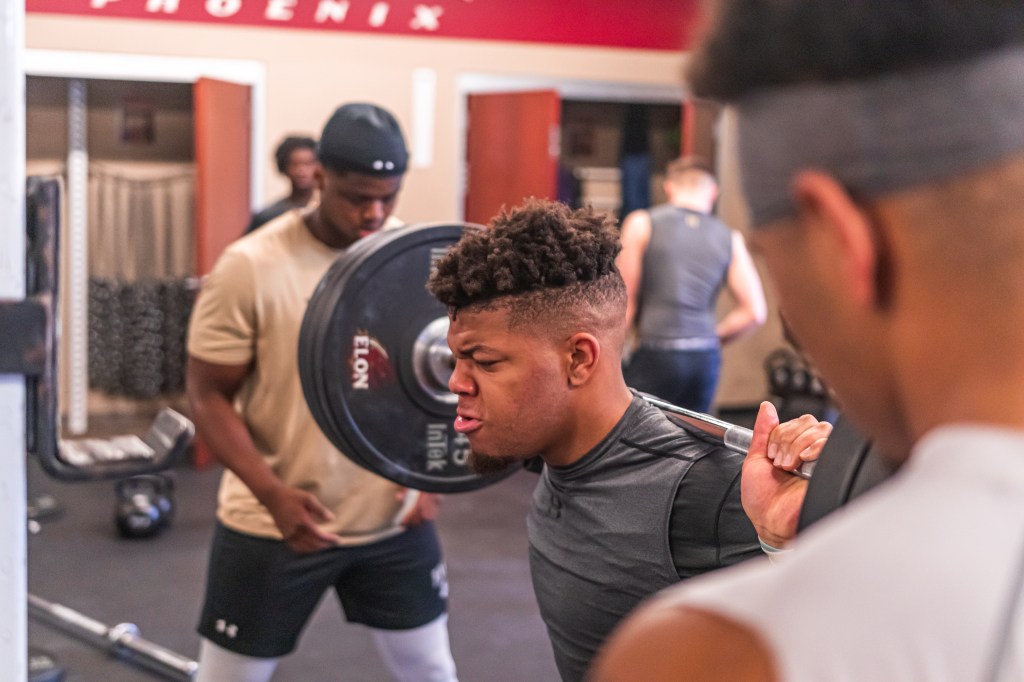
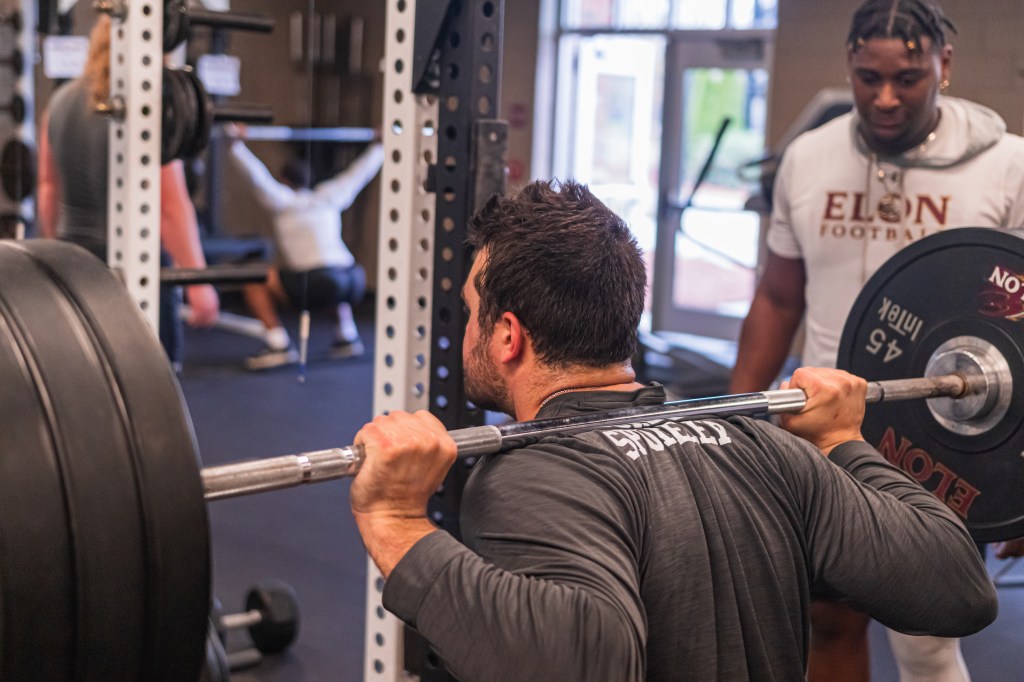
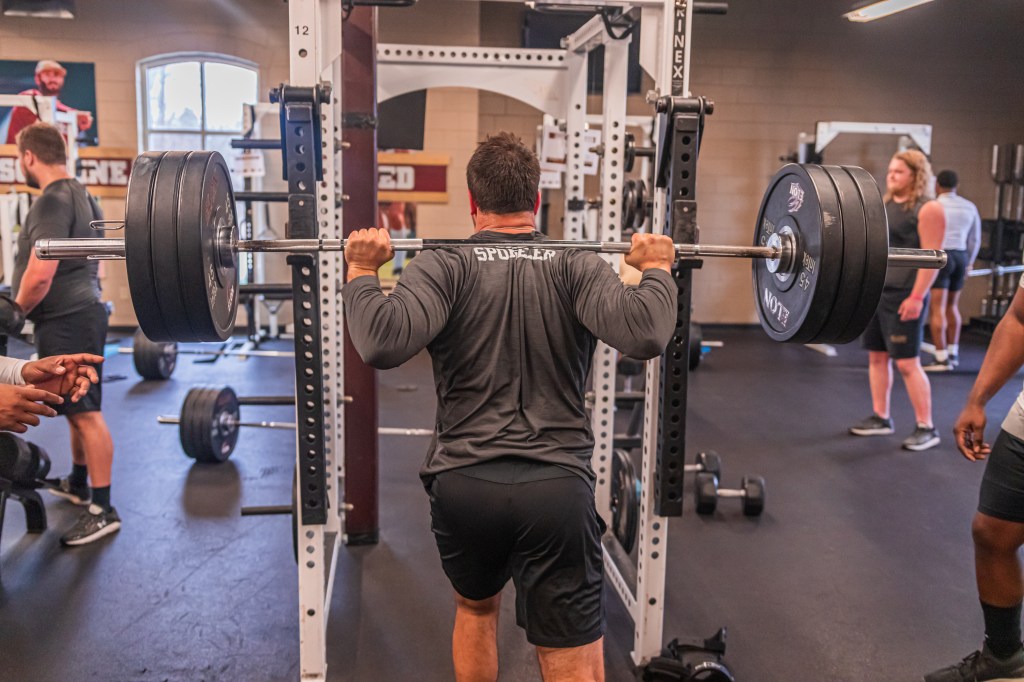
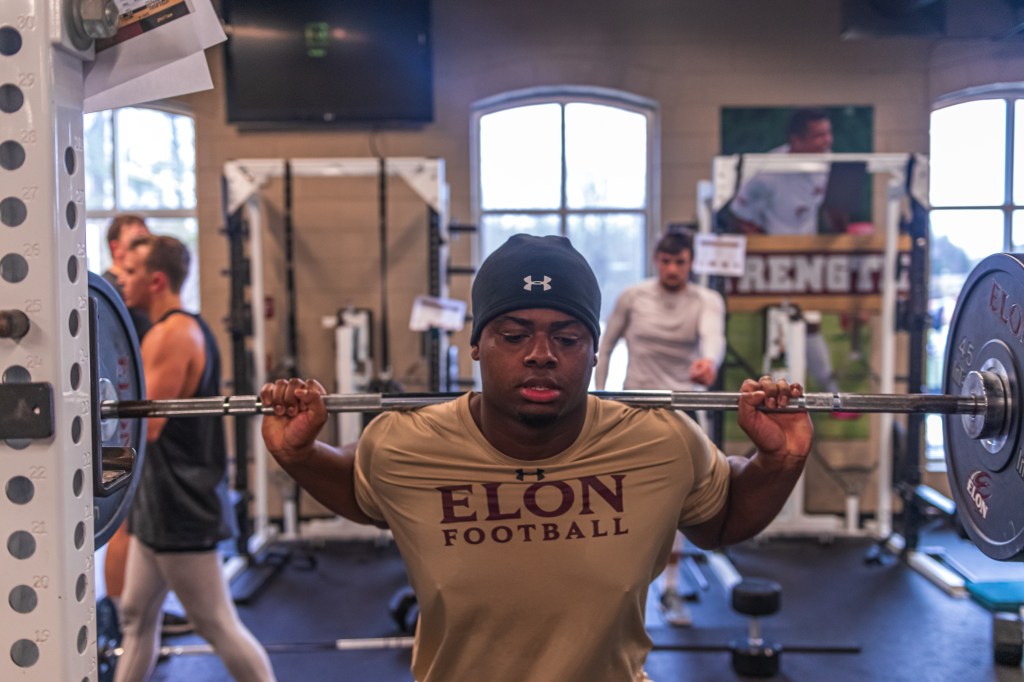
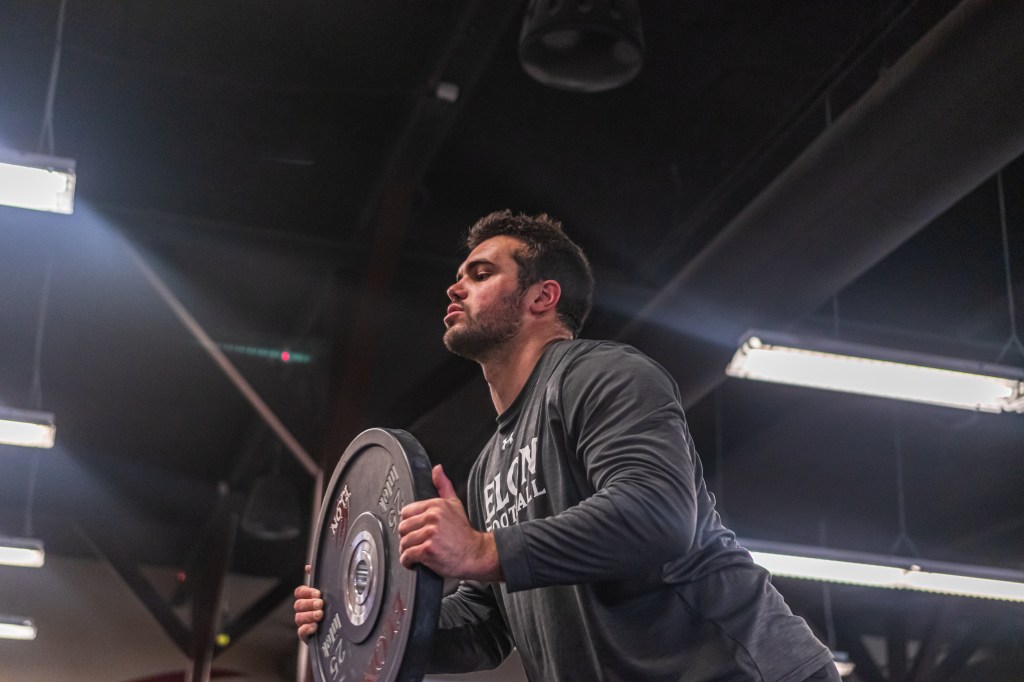

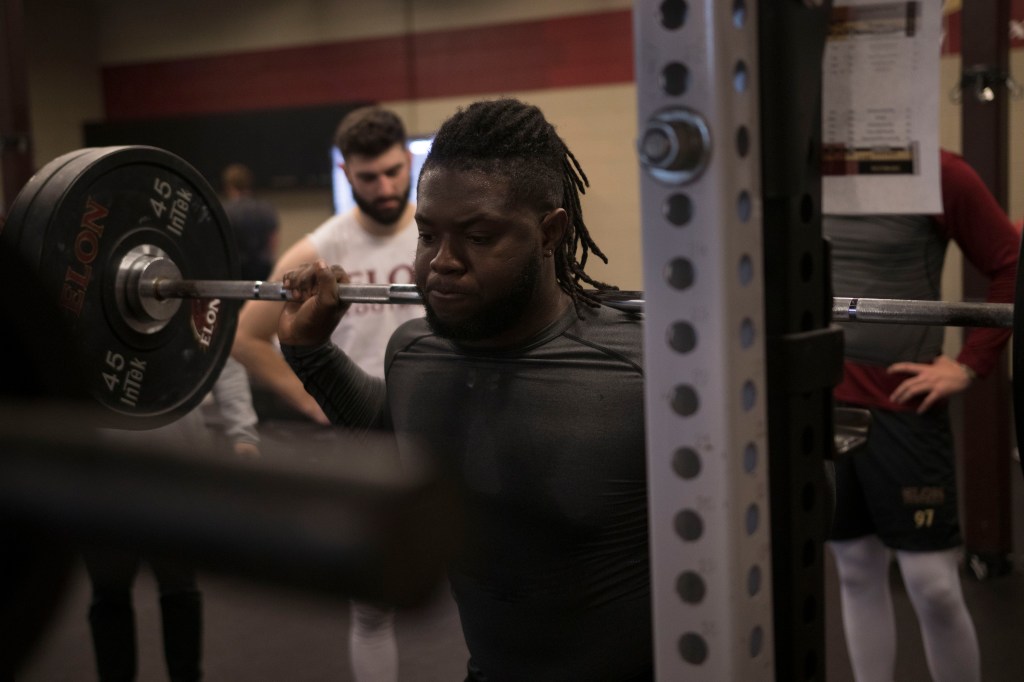
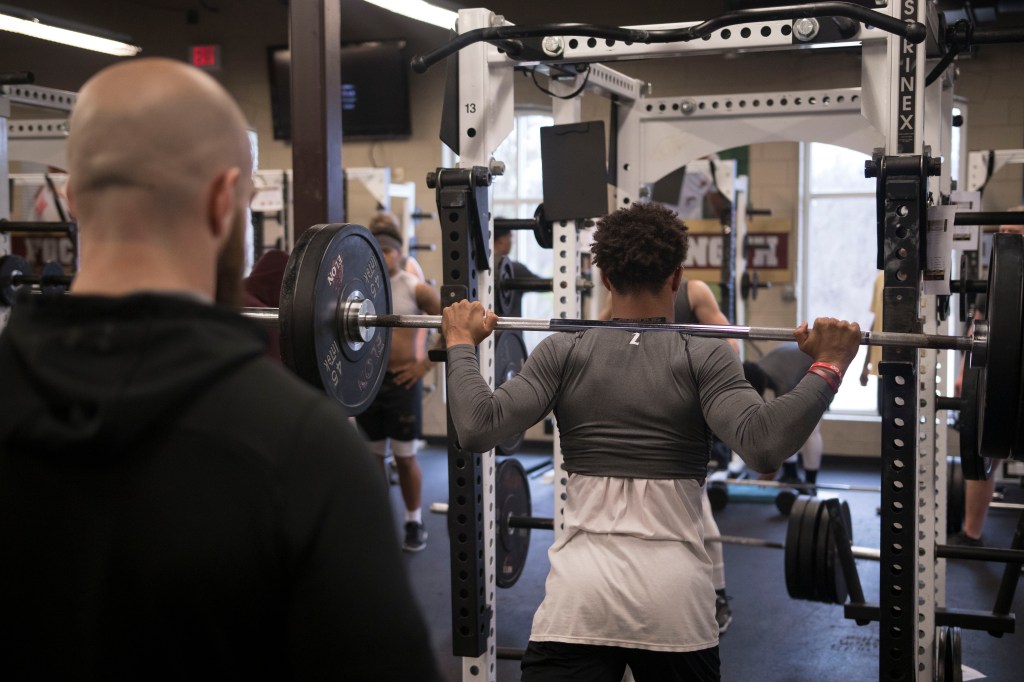
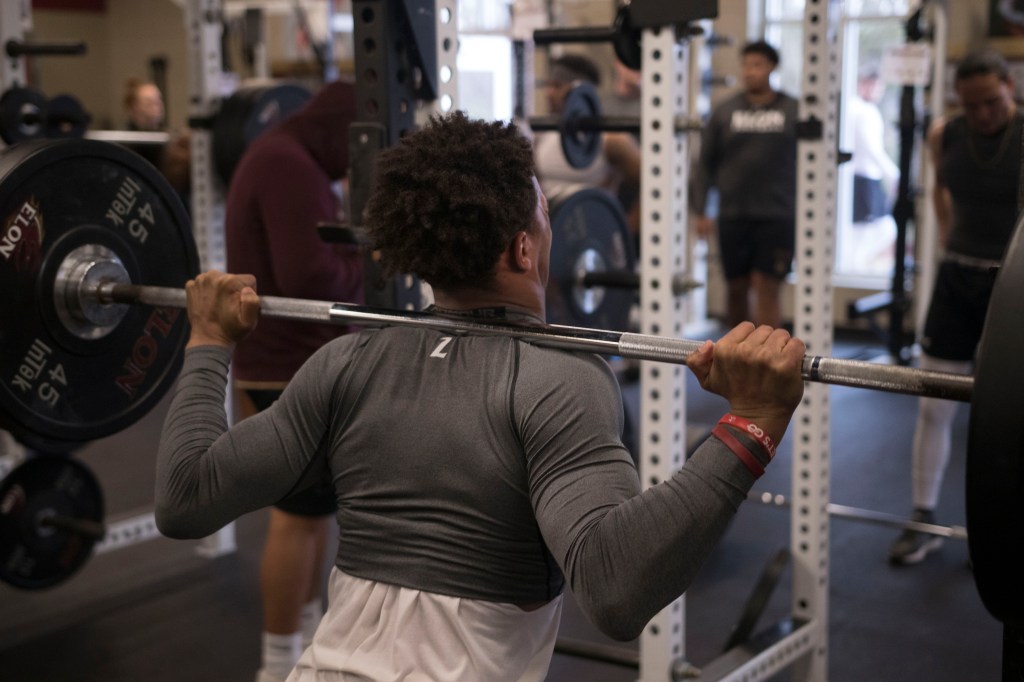
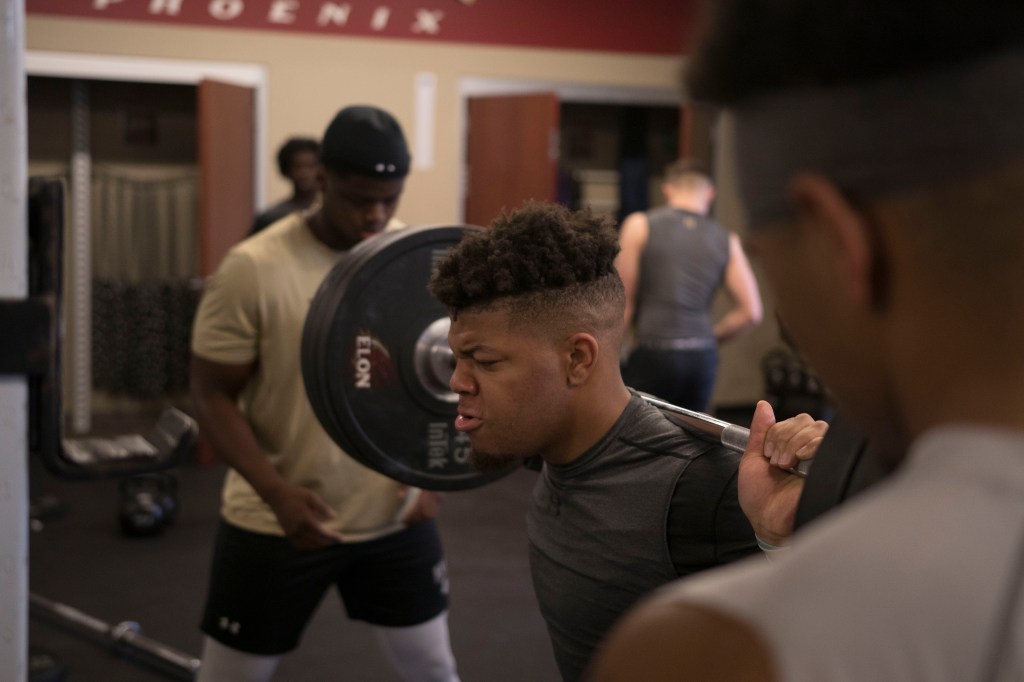
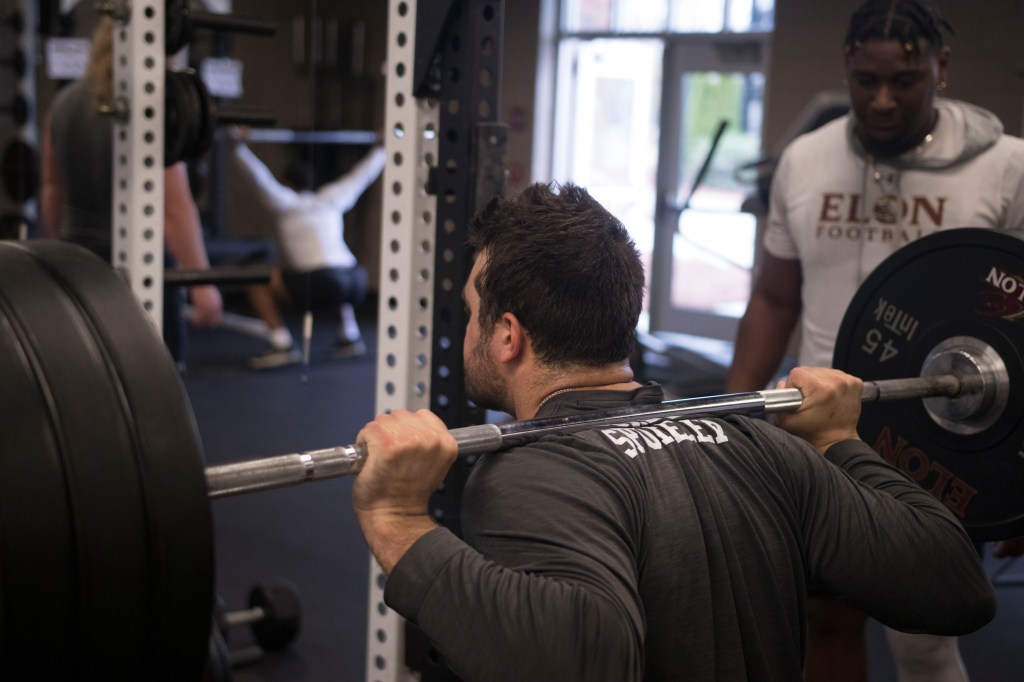
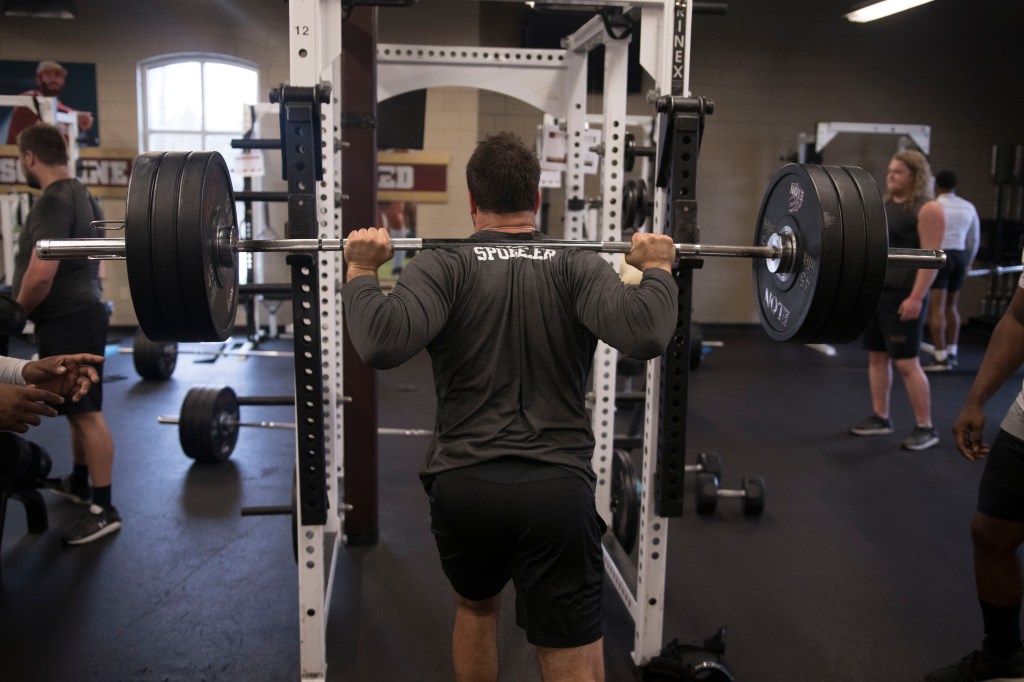
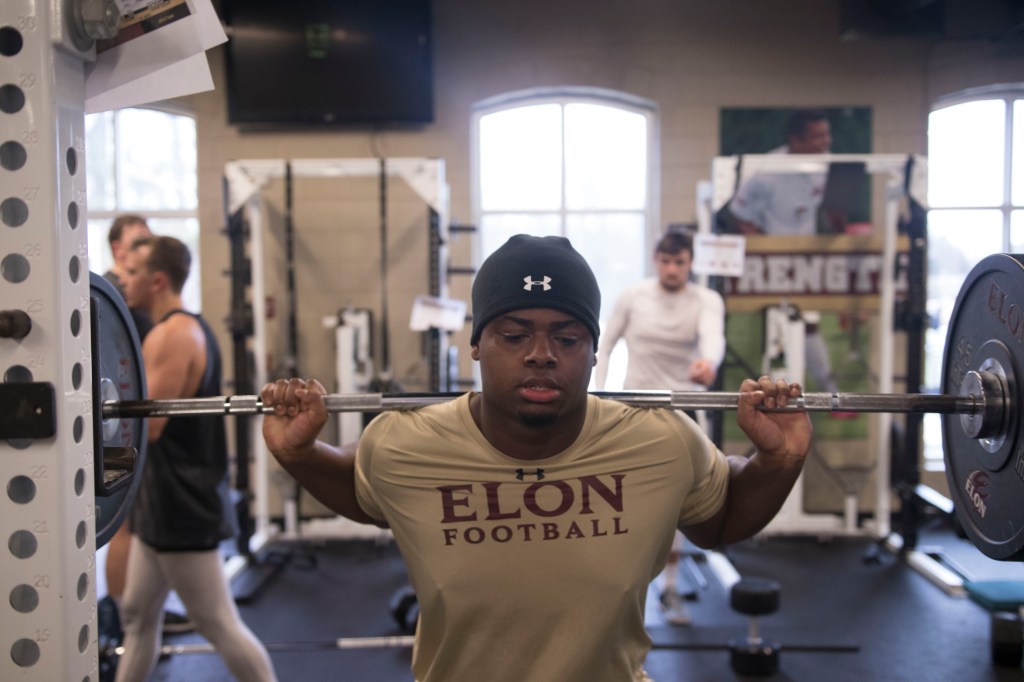
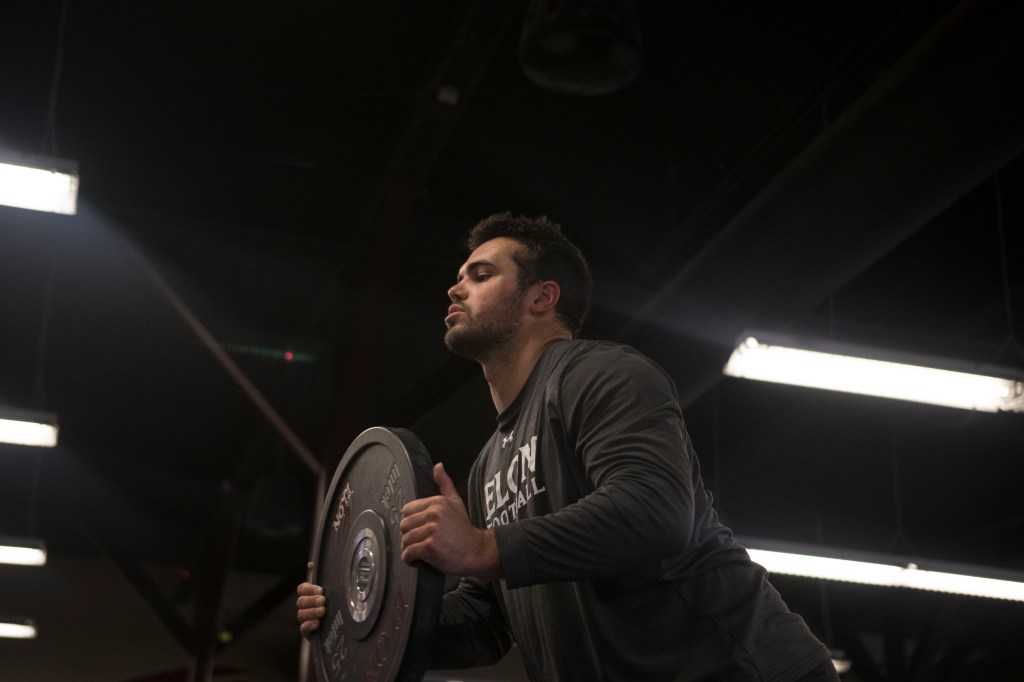
For these photographs, I did not want to make any super drastic changes to the composition, as I liked how they looked in their raw form. I did, however, come into the editing with the goal to make the colors pop a bit more as well as add a bit more dynamic range to my photos. The first thing that I did was attack the histogram in order to make it look more like a normal distribution. This fixed a lot of the exposure and shadow looks on a lot of my photos, as it really added a good amount of highlights. I then made sure all of the pictures had a consistent white balance before attacking the reds. I thought that the background red wasn’t popping enough where I was at, so I manually adjusted the red hue and saturation in order to just add a nice splash of color to my photos, while also livening up a lot of the flesh tones. All in all, I think the changes I made are a good amount of color added without making the picture too crazy saturated or colorful.
 Jacob Meyers COM220 Blog